
Estimate Recipe Calories in 10 Minutes Using USDA Data
Estimate recipe calories with USDA data: weigh in grams, match raw or cooked entries, sum the batch and divide by servings. Includes the formula.
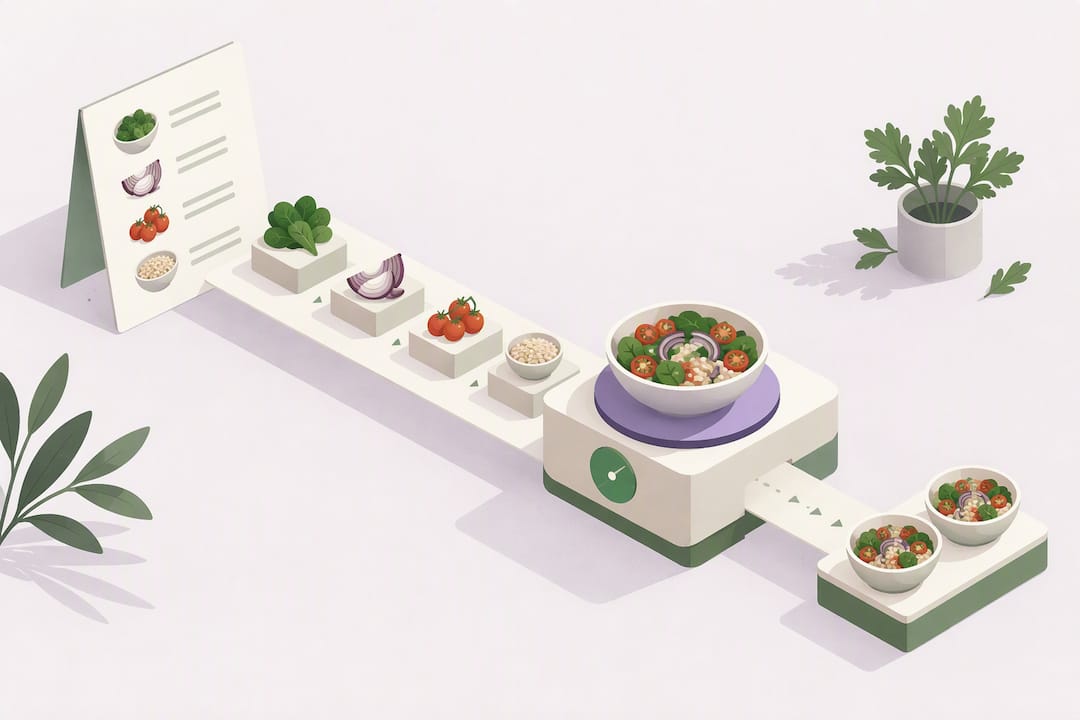
To estimate calories for any recipe reliably, use ingredient weights plus USDA FoodData Central values, either through a recipe calculator or app, or by following the four-step manual method below. Pick an app for daily tracking and recipe swaps, and reserve the manual method for recipes you plan to publish or rely on closely, since even careful estimates carry a margin of error and a registered dietitian can help with specific health goals.
TL;DR:
- Using grams and cooked-state entries in apps from USDA data improves calorie estimate accuracy, especially for recipes involving cooked ingredients.
- Spot-checking app outputs against USDA FoodData Central helps verify the reliability of calorie calculations for individual ingredients.
- Converting all ingredients to grams on a kitchen scale and avoiding early rounding minimizes small errors that can compound in total calorie estimates.
- For published recipes or precise labeling, the manual four-step method ensures transparent and defendable calculations.
- Consistency in measurement and database use is more important than seeking perfect precision for everyday recipe tracking.
Cibo uses USDA FoodData Central to estimate calories and macros from your meal, so daily nutrition tracking takes less effort.
Get the AppQuick tool options: what recipe apps and calculators actually do
Most recipe calculators work the same way behind the scenes. You enter each ingredient, the app matches it to a food database entry, you set the weight or volume, and it multiplies out the nutrition per serving. The quality of your result depends entirely on how well the app handles two things: unit conversion and cooked-versus-raw matching.
A good app workflow looks like this:
- You type or scan each ingredient and the app suggests a database match.
- You enter the amount in grams rather than vague volume units when possible.
- You specify whether the entry should reflect raw or cooked weight.
- You set the number of servings the recipe yields.
- The app returns calories and macros per serving.
Favor tools that connect to the USDA database, let you choose a cooked-state entry (roasted chicken breast behaves differently than raw), and accept grams-first input instead of forcing you through cups and tablespoons. Export or label-style output is a bonus if you ever need to share nutrition facts with someone else.
To sanity-check any app’s output, spot-check one or two ingredients directly in USDA FoodData Central and compare the kcal per 100 grams. If the numbers are close and the serving weight looks right, the estimate is trustworthy enough for everyday use. A quick app estimate is fine for tracking your own meals or testing ingredient swaps. If you are putting a nutrition label on packaged food or publishing a recipe for others to rely on, the manual method below is worth the extra ten minutes.
Step-by-step manual method using USDA FoodData Central
When you want a number you can actually defend, four steps get you there. This is the same logic nutrition software runs internally, just done by hand so you can see where every figure comes from.
- List every ingredient with its exact quantity and unit, as written in the recipe (2 cups flour, 3 tbsp olive oil, 1 lb chicken thighs).
- Convert each ingredient to grams. Weigh ingredients on a kitchen scale when you can, since cup and tablespoon conversions vary by ingredient density. Use cooked-state entries when the ingredient is cooked before you weigh it.
- Look up kcal per 100 grams for each ingredient in USDA FoodData Central, then apply: Energy (kcal) = (ingredient weight in grams ÷ 100) × (kcal per 100 g from USDA).
- Add up the kcal for every ingredient, then divide the batch total by the number of servings. If the recipe involves alcohol that doesn’t fully cook off, add its energy at roughly 7 kcal per gram, a figure referenced in FDA food labeling guidance.
Energy (kcal) = (ingredient weight in grams ÷ 100) × (kcal per 100 g) is the single formula behind every line of the calculation, drawn from USDA FoodData Central nutrient data. Getting this one multiplication right for each ingredient is what separates a reliable estimate from a guess.
A few habits protect your accuracy here. Match the specific food state, raw rice and cooked rice have very different kcal per 100 grams, because cooking adds water weight. Avoid rounding any ingredient’s number until you’ve summed the whole batch; rounding early stacks small errors into a noticeably wrong total. And keep a note of which USDA entry you used for each ingredient, so you (or anyone checking your work) can retrace the calculation later.
How to choose a reliable recipe calculator or app
Not every calculator deserves your trust. A few non-negotiable features separate the useful tools from the ones that quietly guess.
- Database source: the app should pull from USDA or another credible national nutrition database, not a crowdsourced list with no citation.
- Grams-first input: volume measurements (cups, tablespoons) introduce conversion error; grams don’t.
- Cooked-weight and serving controls: you need to set both the final cooked weight and the number of servings separately.
- Editable matches: you should be able to swap a wrong database match for the correct one.
- Export or breakdown view: seeing calories and macros broken out per ingredient, not just a single final number, lets you catch mistakes.
Beyond accuracy, usability matters for whether you’ll actually keep using the tool. Barcode scanning, photo logging, and voice entry all cut down on manual typing, and batch-saving a recipe once so you can reuse it later saves real time over a month of cooking.
Check how transparent the tool is about where its numbers come from. An app that shows its data source and lets you see (and fix) each matched ingredient is one you can actually audit. Also glance at how your data is stored and whether you can export it if you switch apps later.
Pro Tip: Save your go-to recipes once you’ve verified them, then reuse the saved version instead of re-entering ingredients every time you cook the dish.
Common accuracy pitfalls and how to fix them
Most calorie estimate errors trace back to a handful of repeat offenses, and almost all of them are fixable.
- Volume-based measuring: a “cup” of chopped vegetables can vary by 20 grams or more depending on how tightly it’s packed, so weighing beats measuring by volume.
- Ignoring cooking changes: meat loses water weight when cooked and pasta absorbs it, so using a raw-state database entry for a cooked ingredient skews your number.
- Early rounding: rounding each ingredient’s calories before summing the batch compounds small errors into a meaningfully wrong total.
- Atwater factor limits: standard energy factors assume uniform digestion, but peer-reviewed research on almonds found the measured metabolizable energy ran lower than the Atwater-based estimate, because the body doesn’t absorb all of a nut’s fat and calories the same way it does more processed foods.
That almond study is a useful reminder that no formula captures every food perfectly. The fix isn’t chasing theoretical precision, it’s tracking the same way every time so your numbers stay comparable to each other, even if they’re each off by a small, consistent margin. If you need a number precise enough for medical or regulatory purposes, a lab analysis or a registered dietitian is the right next step, not a spreadsheet.
Speed versus precision: what actually matters day to day
We think consistency beats perfection. If you log recipes the same way every time, grams-first, cooked-state entries, same database, your week-to-week numbers stay comparable even when any single estimate is slightly off.
Save the manual method for recipes you’ll repeat often or publish. For everyday cooking, a well-chosen app gets you close enough, fast enough, to actually stick with the habit.
Cibo: a faster way to log the recipes you actually cook
We built Cibo to make the workflow above painless. Log a meal by photo, voice, text, barcode, or manual entry, and we return calories, protein, carbs, and fat based on USDA data, then show your daily balance against your goal.
For home-cooked meals with shifting ingredients, photo logging gives you a quick estimate when weighing every ingredient isn’t practical, and collaborative tracking modes let you and a partner or friend track side by side for shared accountability. See how it compares to other calorie tracking apps and get started on iOS or Android.
This article is general information, not a substitute for advice from a qualified doctor. Consult a qualified healthcare professional about your own circumstances before acting on anything here.
FAQ
How do I calculate calories when making a recipe?
List every ingredient with its exact quantity, convert each to grams, and look up kcal per 100 grams in USDA FoodData Central. Multiply each ingredient’s weight by its kcal value, sum the batch, then divide by the number of servings.
Is there an app that can calculate calories from a large recipe?
Yes, recipe calculators and calorie-tracking apps that connect to USDA or another credible database can total up a multi-ingredient recipe automatically once you enter each ingredient and its amount. Look for one that lets you input weight in grams and choose cooked-state entries for the most accurate result.
What does the 4/4/9 rule for calories mean?
It refers to the standard Atwater energy factors: protein and carbohydrate provide about 4 calories per gram, and fat provides about 9 calories per gram, with alcohol at roughly 7 calories per gram as noted in FDA labeling guidance. These factors are a useful baseline, though research on foods like almonds shows they can overstate the calories your body actually absorbs from some foods.
How many calories are in my own homemade recipe?
The only way to know is to calculate it ingredient by ingredient using gram weights and a nutrient database like USDA FoodData Central, then divide the batch total by your number of servings. A calorie-tracking app can speed this up, but spot-checking a couple of ingredients against the USDA database confirms the app got it right.
Sources
- USDA FoodData Central
- FDA Food Labeling Guide (PDF)
- Measured energy value of almonds (peer-reviewed study)
- FoodData Central help / search guidance
Primary sources and databases to use next
- USDA FoodData Central: searchable nutrient database for looking up kcal per 100 grams for any ingredient.
- FoodData Central help and search guidance: explains how to pick the right food-detail entry and data type.
- FDA Food Labeling Guide: serving-size and rounding rules used on Nutrition Facts labels.
- Measured energy value of almonds study: peer-reviewed research on Atwater factor limitations.
Recommended
Not medical advice. Cibo is a nutrition-awareness tool, not a medical device. Read the full disclaimer.
Build healthier habits with Cibo
Nutrition made simpler for everyday life.


