
Nutrition App Integrations: What Syncs and How to Set It Up
Learn what a nutrition app integration actually syncs, how to connect Apple Health, why data goes missing or doubles, and how to keep your health data private.
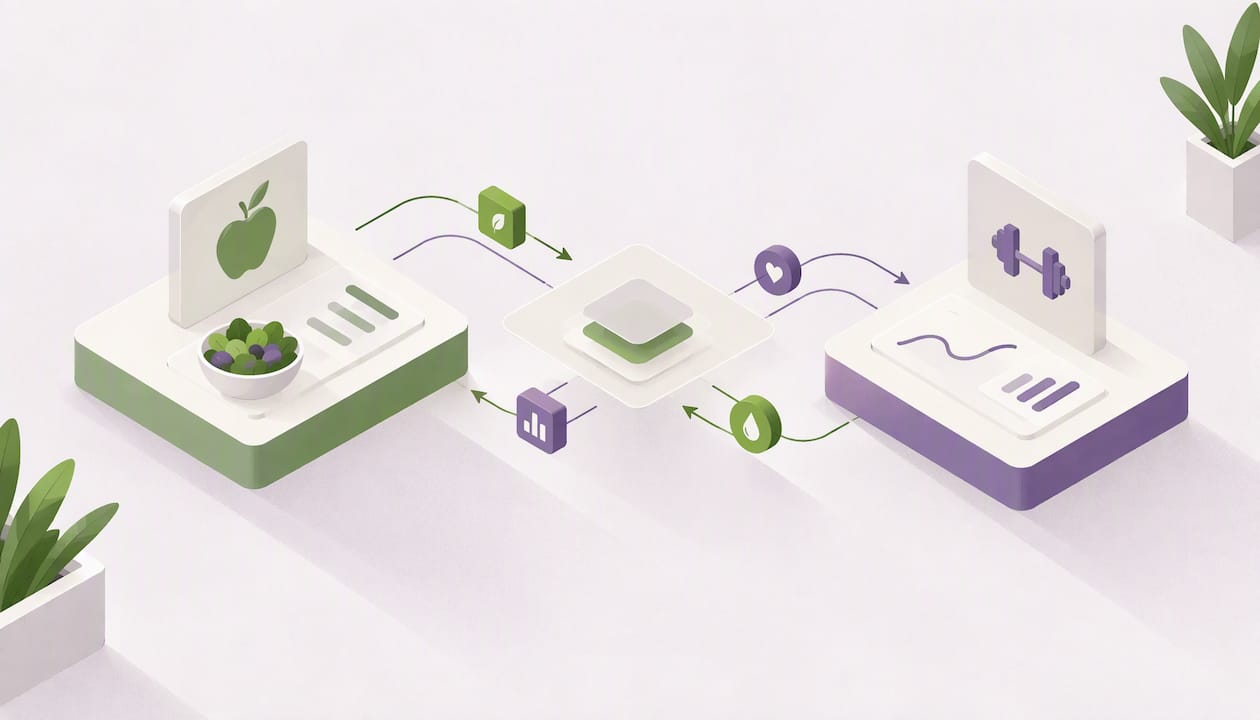
A nutrition app integration lets your food log share data with other health apps, so you enter a meal once and see it everywhere you track your health. On iPhone, the hub is Apple Health: with your permission, a nutrition app can write your calories and macros there and read other data back. This guide covers what really syncs, how to connect and disconnect an app, why numbers sometimes go missing or double up, and how to protect your privacy.
Cibo lets you log meals by photo, voice, text, barcode or manual entry, then track calories and macros against a personal goal.
Get the AppTL;DR
- An integration moves data between apps so you log once. It cannot create data that no connected app has recorded.
- On iPhone, you turn on each data category under Health > Profile > Privacy > Apps. You can change or revoke it any time.
- Syncing is not instant. iOS decides when background updates run, so a short delay is normal.
- Duplicates usually come from two sources writing the same data. Apple Health’s source priority settings fix most of them.
- Check an app’s privacy label before you connect, and share only the categories you need.
What a nutrition app integration actually does
Tracking food is already a chore. If every app wants its own copy of your meals, workouts and weight, the chore multiplies. An integration solves that by letting apps read from and write to a shared place.
The idea is simple. One app records the meal. Another app, such as a workout log, a scale app or a coaching platform, reads the result instead of asking you to type it again. Developers of health platforms describe the benefit in the same terms: by reading from logs you already keep, they avoid licensing their own nutrient database or forcing you to log in yet another app.
For you, that means three practical things:
- Less typing. A meal you log once shows up wherever you allow it.
- A fuller picture. Calories in make more sense next to steps, workouts and body weight.
- One history. If you switch apps later, the data you wrote to the shared hub does not vanish with the old app.
There is also a limit to keep in mind. An integration is a pipe, not a source. It carries what some app or device has written, and nothing more.
How nutrition apps connect to Apple Health
Apple’s system for this is HealthKit. It is the central repository that health and fitness apps use on iPhone, iPad, Apple Watch and Apple Vision Pro. According to Apple’s developer documentation, an app can read and write relevant data only after you give permission.
That permission step matters. You are not handing over your whole health record. The app asks for specific categories, such as dietary energy, protein or weight, and you can say yes to some and no to others.
On Android, the equivalent hub is Health Connect, and the logic is the same: the app asks, you choose what to share. Cibo syncs with both Apple Health and Google Health Connect.
What data can sync, and what can’t
Typical categories that nutrition apps handle include:
- Nutrition: calories, protein, carbohydrates and fat. Some integrations also carry micronutrients. One nutrition data platform says it reads from 22 connected apps and normalizes calories, macros and micronutrients like selenium and iodine into one format.
- Body measurements: weight and, depending on the source, body composition.
- Activity: steps, workouts and active energy from your phone or watch.
The key rule: Apple Health only exposes data that something has already written to it. An iPhone, an Apple Watch, or another connected app such as a scale, sleep tracker or nutrition app can be that something. An integration cannot retrieve a data type that no source has written to HealthKit.
So if your coaching app shows no calories, check the basics first. Is your food log writing nutrition data to Apple Health at all? Is that category switched on? Many “broken sync” problems end right there.
Which direction does the data flow?
It depends on the app and on the categories you enable. A nutrition app commonly writes your food data out and may read weight or activity in. Each direction is a separate permission, so look at the toggles for both reading and writing when you connect.
If you lift, you may want your training log to see your calories and your food log to see your workouts. Apps for lifters often rely on this link. A guide to the best workout apps for Apple Watch explains how to choose by what you need to log, and Apple Health integration is a big part of that choice.
How to connect, manage and disconnect an app in Apple Health
The steps below follow Apple’s own support guidance. Menu names can shift slightly between iOS versions, so use Apple’s page if something looks different on your phone.
- Open the Health app on your iPhone.
- Tap your profile picture or initials, then choose Privacy, then Apps.
- Pick the nutrition app from the list of compatible apps.
- Turn on only the categories you want it to read or write.
- Return to the nutrition app and confirm it shows the connection as active.
To review or remove access later, go back to the same screen and switch categories off. Apple also provides Data Sources & Access, where you can see which apps and devices contribute data and manage them.
A quick sanity test
After connecting, run a small test so you know the pipe works:
- Log a snack in your nutrition app.
- Wait a few minutes, then open Apple Health and check the nutrition category.
- If it appears, the write permission works. If not, recheck step 4 above.
Do the same in reverse if you expect weight or workouts to flow into your food app.
Why syncing isn’t instant
People often expect real-time updates. Apple Health does not promise them. According to one health data provider’s help center, iOS controls when background resources are given to apps, and delivery depends on conditions such as the phone being unlocked and online. An app you force-quit may get updates much less often.
The practical advice:
- Give it time. Withings, a device maker, suggests waiting at least 15 minutes after adding data, and says you may need to reopen the apps and refresh manually.
- Open both apps once. Bringing them to the foreground often nudges a stalled sync.
- Don’t swipe your apps closed all day. Letting them live in the background helps updates arrive.
What about old data?
When you first connect, many integrations only pull the current day by default. History needs a separate backfill. One integration’s documentation says its backfill is limited to 30 days per raw-sample request and 365 days per daily-aggregate request. Those figures describe that provider, not every app, but the pattern is common: don’t expect a year of meals to appear the moment you connect. If you want your history in a new app, check its help page before switching.
Fixing missing or duplicated data
Two problems cause most frustration: numbers that never arrive, and numbers that count twice.
Missing data checklist
- Permission: is the category switched on under Health > Profile > Privacy > Apps?
- Source: has any app or device actually written that data to Apple Health?
- Timing: have you waited and reopened both apps?
- Background refresh: is the app allowed to run in the background on your phone?
- Date range: are you looking at today, or at history that was never backfilled?
Duplicate data checklist
Duplicates appear when two sources record the same thing, for example your watch and a phone app both counting a workout, or two food apps writing the same lunch.
Apple Health has a built-in order of trust. According to Apple Support, manual entries come first, then data from your iPhone, iPad and Apple Watch, and last data from third-party apps and Bluetooth devices. You can also reorder the priority of sources for specific categories in Data Sources & Access.
Three habits prevent most doubling:
- Keep one app as the writer for each category. One food log, one weight source.
- If you use two apps that both write nutrition, turn off writing in one of them.
- Remember that a manual entry in Apple Health outranks everything else. A forgotten manual weight can override your scale’s reading.
Some integrations also use incremental sync, fetching only new and updated samples rather than reimporting your whole history. That keeps repeat imports from piling up, but it can’t fix two apps writing the same meal.
Keeping your health data private
Food logs reveal habits, routines and sometimes health conditions. Treat the connection screen as a decision, not a formality.
What Apple says protects you:
- Apps must follow App Review Guidelines, which, according to Apple’s health and fitness page, include rules against using health data for advertising or selling it to data brokers.
- The Privacy Nutrition Label on each app’s App Store page explains what data it collects.
- You control what you share, category by category.
What you can do:
- Read the privacy label before you install.
- Grant only the categories the app needs. A calorie tracker has no reason to read your sleep.
- Review Data Sources & Access every few months and remove apps you no longer use.
- Read our practical guide to protecting health app data for a fuller checklist.
If you manage a medical condition such as diabetes, talk to your doctor or dietitian before relying on any app’s numbers for treatment decisions.
What to look for before you commit to an app
Not every app is built around integrations. Before you pay, ask:
| Question | Why it matters |
|---|---|
| Does it read and write Apple Health or Health Connect? | Decides whether your data moves between apps. |
| Which categories does it sync? | Calories only is different from calories plus protein, carbs and fat. |
| Where do its nutrition numbers come from? | Source quality drives accuracy more than any sync feature. |
| How fast can you log a meal? | A great integration is useless if logging is a chore. |
| Can you disconnect and keep your data? | Protects you if you switch later. |
That third row deserves attention. Syncing a wrong number to five apps just spreads the error. If you want to understand where reliable values come from, our walkthroughs on finding calories in food with USDA data and tracking calories without a database show the method. For example, a medium apple is listed at 95 calories (182 g) on our food page, based on USDA data.
And if you’re still deciding what to track, start with the basics in calories vs macros, then use the macro calculator to set daily targets.
Our perspective: log once, trust the number
We build a calorie and macro tracker, so we think about integrations a lot, and our view is simple. A sync is only as good as the number it carries.
People who want to lose around 10 kg or build muscle usually don’t fail because their apps can’t talk to each other. They fail because logging takes too long, so they stop. That’s why we focus on fast entry first: a photo, a voice note, text, a barcode or a manual entry, with calories, protein, carbs and fat based on USDA FoodData Central. Integration comes second: once the entry is accurate, sharing it with Apple Health or Health Connect saves effort.
Our advice is to keep your setup boring. Pick one app to be the source of truth for food, one for workouts, and let the hub connect them. Switch on the categories you really use and leave the rest off. Check once a week that the numbers match, and you’ll catch problems early.
Accountability helps too. Tracking with a partner or friend makes consistency easier than going solo, which is why we built a mode for it.
Where Cibo fits
If you want a tracker that is quick to log and syncs with Apple Health and Google Health Connect, Cibo is built for that. You can log by photo, voice, text, barcode or manual entry, see your daily balance against a personal goal, and use Together mode to follow a partner’s or friend’s progress. Pricing is a 7-day trial, then subscription: Cibo Pro is $39.99 per year on iOS and Android, or $6.99 per month on iOS and $4.99 per month on Android. See the Pro plan details before you decide.
FAQ
Does connecting a nutrition app to Apple Health share everything?
No. The app can read and write only the categories you switch on, and only after you give permission. You can change those choices at any time under Health > Profile > Privacy > Apps.
Why did my calories show up late in another app?
Apple Health sync isn’t guaranteed to be real time. iOS decides when background updates run, and they depend on things like the phone being unlocked and connected to a network. Wait about 15 minutes, then open both apps and refresh.
Why is the same data showing twice?
Two sources are probably writing the same information, such as two food apps or a phone and a watch. Keep one writer per category and review the source order in Data Sources & Access. Remember that manual entries take priority over everything else.
Will my old meals transfer when I connect a new app?
Not always. Many integrations sync only the current day at first, and history needs a separate backfill with its own limits. Check the new app’s help page about importing history before you switch.
Is it safe to connect a food log to my health data?
Apple requires developers to follow rules that prohibit using health data for advertising or selling it to data brokers, and the privacy label shows what an app collects. Share only what the app needs, and review your connected apps regularly. For medical conditions, ask your doctor or dietitian how to use tracking data.
Sources
- Health and fitness apps, Apple Developer
- Manage Health data on your iPhone, iPad, or Apple Watch, Apple Support
- Nutrition API: Read What Your Users Already Log, Sahha
- Apple Health, Thryve Wearable API documentation
- Apple SDK sync timing, Terra Help Center
- Partner Apps, Apple Health data synchronization issues, Withings Support
- Best workout app for Apple Watch, RIRLift
Recommended
Not medical advice. Cibo is a nutrition-awareness tool, not a medical device. Read the full disclaimer.
Build healthier habits with Cibo
Nutrition made simpler for everyday life.


