
Google Fit Nutrition Sync: How It Works in 2026
Learn how food and calorie data syncs to Google Fit and Health Connect, why meals go missing, and how to check permissions before Fit's 2026 shutdown.
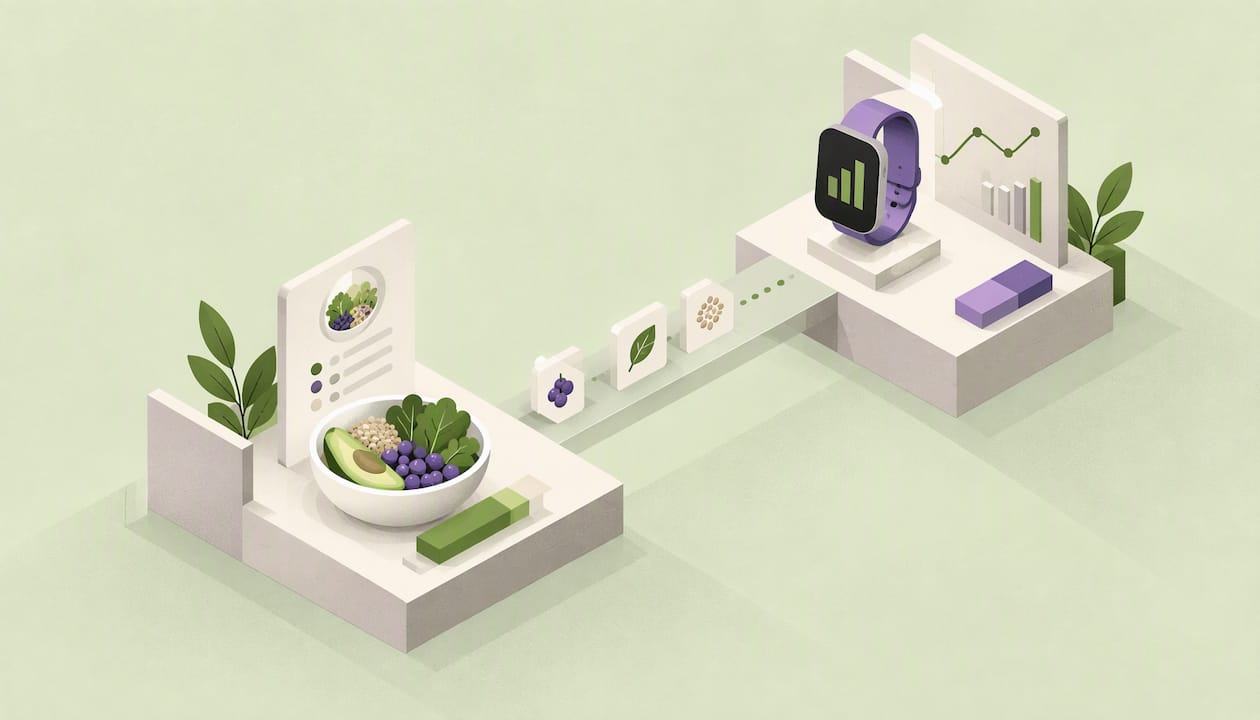
Google Fit can store nutrition data, but it does not log meals well on its own. A food-tracking app does the logging, then writes calories and macros to Google’s health platform. On Android today, that handoff goes through Health Connect, because the older Google Fit APIs are on their way out. If your meals are not showing up, the cause is almost always a permission, a direction setting or the Fit-to-Health-Connect transition, and all three are fixable in a few minutes.
This guide explains what actually syncs, what changed, how to set it up, and how to troubleshoot when numbers go missing.
Cibo lets you log meals by photo, voice, text, barcode or manual entry, then track calories and macros against a personal goal.
Get the AppTL;DR
- Google Fit has a nutrition data type (calories, protein, carbs, fat, sugar and more), but it relies on other apps to write meals into it.
- Google’s Fit APIs are scheduled to end by the end of 2026. Health Connect is the recommended route for Android food apps.
- Nutrition sync needs explicit write permission in the food app and read permission in the app that displays it.
- Missing meals usually come from switched-off permissions, battery restrictions, a one-way sync or entries logged before you connected.
- Pick a tracker that logs quickly and writes clean calorie and macro totals, so the synced data is worth having.
What Google Fit actually does with nutrition data
Google Fit is a data store more than a food diary. Google’s developer documentation describes a nutrition data type that holds a meal or a food item, along with nutrient values: calories in kilocalories, fat, carbohydrates, sugar, sodium, cholesterol and protein. Each entry also carries a meal type, such as breakfast or dinner.
That means three things for you as a user:
- Another app does the logging. Fit does not give you a rich food search, barcode scanner or photo logging. A tracker writes the entry; Fit stores it.
- Other apps can read it back. Google explains that an app can request the food eaten in a given time window from that same data type. It can also read daily summaries, one per 24-hour period. If nothing was recorded for a day, there is simply no data for that day.
- Viewing is limited. Many people link a food app, see steps and workouts in Fit, and wonder where the meals went. The data may be stored without being prominently displayed. That is why so many people end up asking how to view nutrition data in Fit at all.
The practical takeaway: judge your setup by whether your tracker writes complete, correct entries, not by how much Fit shows you.
Google Fit vs. Health Connect: which one matters now
If you are setting this up today, this is the part that matters most.
Android’s comparison guide describes Health Connect as an on-device integration with local storage and centralized permissions. The Google Fit API, by contrast, is a legacy cloud API scheduled to end by the end of 2026. Health Connect is part of Android 14 and is available through Google Play on Android 13 and lower.
Google’s Fit documentation adds that the Fit APIs will be deprecated in 2026, and that developers have been unable to sign up for them since May 1, 2024. Google points developers to Health Connect for mobile-first Android apps and to the Google Health API for cloud-based integrations.
For everyday users, the consumer side is moving too. 9to5Google reported in May 2026 that Google Fit is being phased out in favor of the new Google Health app, with a migration option for existing Fit users planned for later in the year. Check Google’s own announcements for the current timeline, since details can shift.
| Google Fit (legacy) | Health Connect | |
|---|---|---|
| Where data lives | Google’s cloud | On your device |
| Permissions | Per app, Google account based | Centralized, per data type |
| Status | APIs scheduled to end by end of 2026 | Recommended by Google for Android |
| Nutrition support | Nutrition data type | Nutrition record with many nutrients |
| Best for | Existing connections you have not migrated | Any new setup |
If you already use Fit, you do not need to panic. You do need a plan: connect your food tracker to Health Connect now so your history keeps flowing when Fit goes away.
What nutrition data Health Connect can hold
Health Connect is more detailed than most people expect. According to Android’s data types reference, a nutrition record covers an interval with a start time, end time and meal type. It supports totals for protein, total carbohydrate and total fat, plus saturated, unsaturated, monounsaturated, polyunsaturated and trans fat, fiber, sugar, energy and many vitamins and minerals.
Access requires dedicated permissions: READ_NUTRITION to read and WRITE_NUTRITION to write. Android’s write-data guide says apps must obtain the relevant permissions before writing anything.
Two things follow from that.
- Most trackers only fill part of the schema. A tracker focused on calories and macros will write energy, protein, carbs and fat reliably. Micronutrients appear only if the app captures them.
- Permission is per app and per direction. The app that logs your food needs write access. Any app that displays or uses the data needs read access. Granting one does not grant the other.
How to sync nutrition data, step by step
The exact menu names differ by phone and Android version, but the flow is the same everywhere.
- Update first. Make sure Android and the Health Connect app (on Android 13 and lower, from Google Play) are current. On Android 14 and up, it is built into the system settings.
- Open your food tracker’s settings. Look for an integrations, connections or Health Connect option.
- Switch on the connection. Android will show a permission screen.
- Allow nutrition write access. Turn on the nutrition toggle, and calories and any other categories you want shared. Skipping this screen is the most common reason sync appears to fail.
- Open the app that should receive the data. If it is Google Fit or another health app, grant it read access to nutrition in the same way.
- Log a test meal. Add one real meal, wait a minute or two, then check the receiving app.
- Check the day, not the moment. Nutrition entries are tied to a meal time. If you log breakfast at noon but assign it to 8 a.m., it will show under the earlier time.
Under the hood, a well-built app feeds new or edited meals into Health Connect by creating records and upserting them, as Android’s synchronization guide describes. In plain terms, when you edit a logged meal, the stored entry should update rather than duplicate. If you see duplicates, that is worth reporting to the app’s developer.
Checking that sync works and managing permissions
Permissions are where most sync problems hide, and they are also where you stay in control. Health Connect puts them in one place. Android’s developer guide notes that apps declare the data types they want and show a rationale for the request, and you decide what to allow.
A quick audit takes two minutes:
- Open Health Connect from your phone’s settings (often under Security and privacy, or Apps).
- Choose App permissions and tap your food tracker. Confirm nutrition is allowed for writing.
- Tap the receiving app and confirm nutrition is allowed for reading.
- Open Data and access, pick Nutrition, and look at the entries. This is the ground truth. If your meals are here, sync worked and the problem is only how the other app displays them.
If you would like to start clean, you can revoke an app’s access and grant it again. Do this before deleting anything, and remember that deleting data in Health Connect cannot be undone.
Why meals fail to sync (and how to fix each cause)
Here are the usual suspects, roughly in order of how often they cause trouble.
Permission was skipped or denied
If you tapped through the permission screen quickly, nutrition may be off. Re-open the app’s Health Connect permissions and enable it.
Sync only goes one way
Most food trackers write to Health Connect but do not read nutrition back from it. That is normal. If you log in two different food apps, they will not merge each other’s meals.
Old meals did not move
Sync usually applies to entries logged after you connect, though some apps offer a back-fill. Do not assume your history from last month will appear.
Battery optimization is closing the app
Aggressive battery settings can stop background writes. Set the food app to unrestricted battery use, then open it once to trigger a refresh.
Fit is not showing nutrition at all
A meal can exist in storage while the Fit screen shows nothing for it. Check Health Connect’s Nutrition data first. If it is there, sync is working.
Two apps are writing the same meals
If a watch app, a diet app and a tracker all write nutrition, totals can double. Choose one source of truth for food and turn the others off for nutrition.
Time zone or meal-time mismatch
Travel can shift timestamps. If entries land on the wrong day, check your phone’s automatic time zone.
What good synced data looks like
Syncing is only useful if what you sync is accurate. Garbage in, garbage out applies to every health platform. A few principles help:
- Anchor to a national reference. Calorie and macro values from USDA FoodData Central are a sound basis. For example, Cibo lists a medium apple (182 g) at 95 calories, drawn from USDA data. If you want to learn how to look up numbers yourself, this walkthrough on finding food calories with USDA data shows the process.
- Log portions, not just foods. “Chicken” is not a number. Use a kitchen scale when you can. When you cannot, use visual anchors: a palm is about one protein serving, and a deck of cards is about 3 oz of cooked meat.
- Be consistent. A tracker that is easy enough to open at every meal gives you data you can trust over weeks. A tracker you abandon on day four gives you nothing, however well it syncs.
- Review trends, not single days. One high-calorie dinner changes little. A two-week pattern tells you where your intake really sits.
If you are eating alongside a prescribed weight-management medication, tracking protein and overall intake matters for the reasons covered in this GLP-1 diet plan guide. Your doctor or dietitian should set targets for any medical condition.
Choosing a food tracker that plays well with Health Connect
When comparing calorie apps for Android, check these points before you commit:
- Does it write to Health Connect? Look for nutrition write support, not only steps and weight.
- How fast is logging? Photo, voice, text, barcode and manual entry options mean you can pick the quickest path for each meal. Speed predicts whether you will still be logging in a month.
- Where do the numbers come from? Prefer trackers that name their source. Crowdsourced entries can be wrong in ways you will not notice.
- Does it show you a daily balance? Totals are more useful against a personal calorie and macro goal than on their own.
- Can you share progress? If you track with a partner, a shared view keeps you both honest.
- What does it cost? Check the real price after any trial, not only the headline.
If barcode scanning is a priority for you, our notes on fixing barcode scanning problems cover what to do when a code will not read.
Our perspective: sync is plumbing, logging is the habit
We build a calorie tracker, so we see this question often, and our answer is consistent: syncing is plumbing. It matters, and it should work silently, but it is not the thing that changes your results. Logging every day is.
That is why we focus on making the logging step as short as possible. You can snap a photo, say what you ate, type it, scan a barcode or enter it by hand, and get calories, protein, carbs and fat based on USDA FoodData Central, then see your day against a personal goal. Once that works, connecting your numbers to Android’s health platform is a bonus that keeps your data in one place.
Our advice if you are rebuilding your setup because of Google Fit’s retirement:
- Move to Health Connect now, while your old connection still works, so you can compare both views for a week.
- Keep one app as the single place you log food.
- Do not chase perfect numbers. A consistent estimate beats a perfect log that you abandon.
- Track with someone. People who share progress with a partner or friend tend to stay with it longer, and that is the idea behind Together mode.
A tracker built for fast, precise logging
If you are choosing where your Health Connect nutrition data will come from, Cibo is an AI calorie and macro tracker for iOS and Android. You log by photo, voice, text, barcode or manual entry, and you see calories, protein, carbs and fat against your daily goal. It syncs with Apple Health and Google Health Connect.
On Android, Cibo Premium is $4.99 per month, and the yearly plan for iOS and Android is $39.99 per year (iPhone monthly is $6.99). You start with a 7-day trial, then subscription, purchased through the app store. See the plans on the pricing section for the current details.
If you are comparing options, our comparison of Cibo with other trackers lays out the differences.
FAQ
Can Google Fit track food on its own?
Not in a way most people would call a food diary. Fit supports a nutrition data type for meals and nutrients, but it expects a separate app to write the entries. Use a dedicated tracker and let it send the data across.
Is Health Connect replacing Google Fit for nutrition?
For Android developers, yes. Google says the Fit APIs are scheduled to end by the end of 2026 and recommends Health Connect. For you, that means connecting your food app to Health Connect now and watching Google’s announcements for the Google Health migration option.
Why do my calories show in Health Connect but not in Google Fit?
The two apps may have different permissions or display different data types. Open Health Connect’s Data and access screen and check Nutrition. If your meals are listed there, the sync worked and the other app simply is not reading or showing them.
Will my old meal history sync after I connect?
Usually only new entries sync, although some apps offer a back-fill. Check your tracker’s integration settings, and keep your own export or screenshots of key history if it matters to you.
Do I need to turn on every nutrient permission?
Not necessarily. Allow the categories you want shared, at minimum calories and the macros you track. You can change them in Health Connect’s app permissions at any time.
Sources
- Nutrition data types, Google Fit, Google for Developers
- Read food items eaten, Google Fit
- Read Aggregate Daily Nutrition Data, Google Fit
- Data types, Google Fit, Google for Developers
- Google Fit will shut down in favor of Health, 9to5Google
Recommended
Not medical advice. Cibo is a nutrition-awareness tool, not a medical device. Read the full disclaimer.
Build healthier habits with Cibo
Nutrition made simpler for everyday life.


